







Your next trip starts here.
Your cart is empty. Choose a destination to get started.
 Browse destinations
Search one stop or your full route.
Unlimited plan note
Unlimited plans have different speed and hotspot terms. Some use a whole-plan allowance, and others have no stated data cap. Check the exact plan’s limits and start window before buying. We email your setup details when your eSIM is ready.
Pick your closest match. We’ll suggest a plan for your destination and dates.
Search a country, region or route, then choose your travel dates.
For your friend’s first order of $25+. Your credit is for a future trip.Referral details
*Eligible orders earn 5% credit. Available 7 days after you order.See limits · How credit works
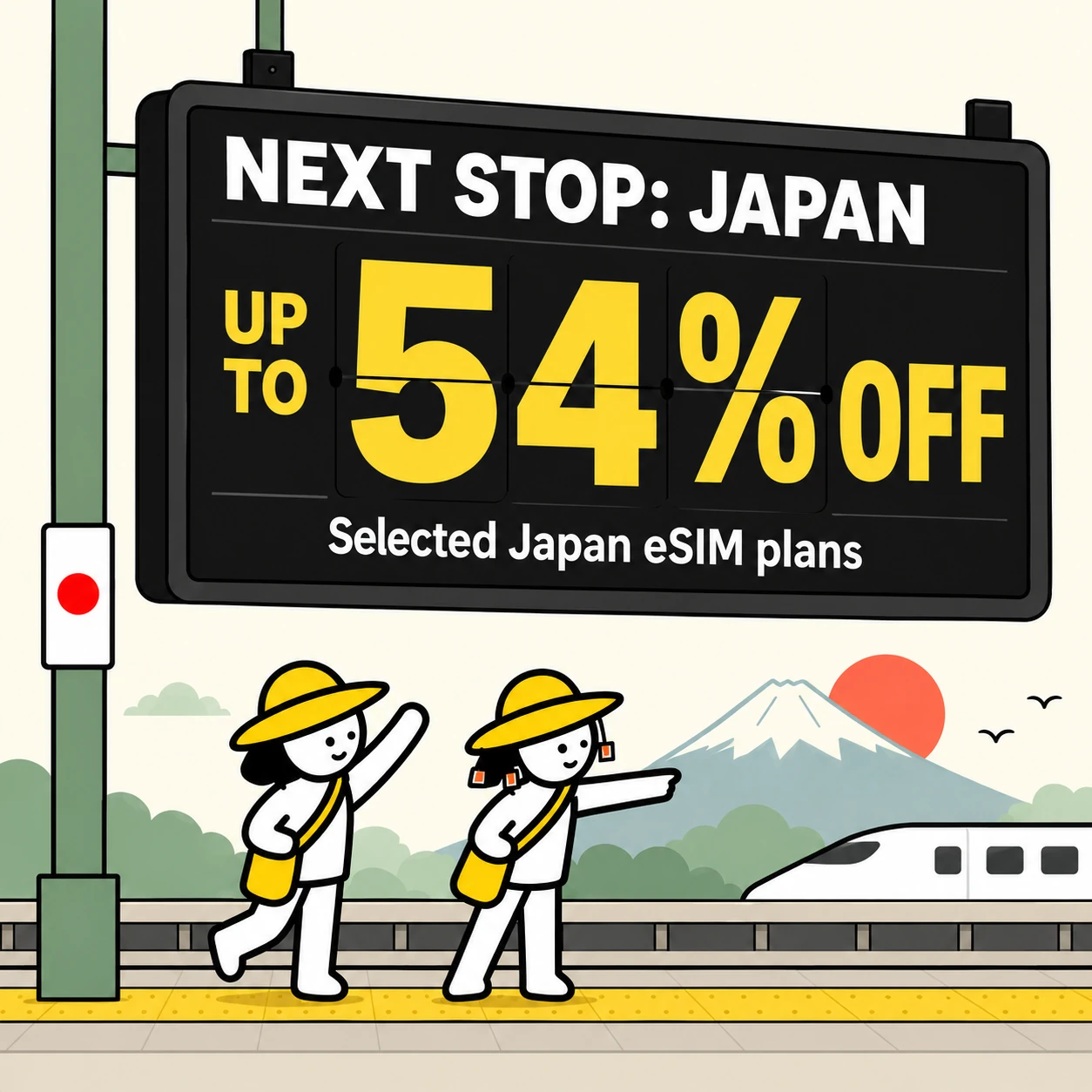
The Japan sale
Up to 54% off selected Japan eSIM plans. Subscribe to get your code, then enter it at checkout.
KDDI local unlimited plans included.
For the Japan sale, TGT plans have 60 days to start, the 3GB plan has 180 days, and local KDDI plans have an issued start-by date. Check your travel dates before buying.
Get my Japan code Explore Japan plansEnds 14 Nov, 7:34am AEST. Discounts vary by plan. Cannot be combined with other codes.The CHEEKY sale crew
A little less on data. A little more for the trip. Find a saving for wherever you’re off to next.
Get CHEEKYUse code CHEEKYYour CHEEKY saving is already in the price. No extra discount.

3GB · 30 days
Save A$4.39
Where are you heading? Selected plans only.
Choose a destination to compare plans.


“Since learning about The SIM Shop communications during travel have never been so simple. Would highly recommend.”

Experience:
Excerpt · Read on Trustpilot ↗“Whole experience was straight forward and I was able to get connected before leaving the airport on arrival.”

Experience:
Excerpt · Read on Trustpilot ↗“Had no issues, worked everywhere even when I was in rural areas, easy to install and use.”

Experience:
Excerpt · Read on Trustpilot ↗“Bought an unlimited esim for a trip to Japan, connection was stable the entire team, even in the rural snow mountains!”

Experience:
Excerpt · Read on Trustpilot ↗“it worked really well… super fast internet and I didn’t really have any problems connecting my phone up”

Experience:
Excerpt · Read on Trustpilot ↗Buy before you travel. After landing, use working Wi-Fi and your setup email to get connected.
Search your destination, check your phone and choose a plan for your trip.
We email your quick install button, QR code and manual details. Save it for after landing.
Finish signing in and open a webpage. If it will not load, use hotel Wi-Fi or another steady trusted connection before continuing.
After landing, open your setup email and follow the quick install, QR code or manual steps.
Choose the travel eSIM for Mobile Data.
Turn automatic data switching off.
Keep Australian-SIM roaming off; enable travel-eSIM roaming only if your setup email requires it.
Travel notes from the tiny committee.
Phone checks, plan advice and a few things
worth knowing about where you’re going.
Pick a book. There’s no due date.
Stations, maps and meetups.
Read notes ↗Field notesPickups and travelling together.
Read notes ↗Field notesCountry lists and travelling between.
Read notes ↗One quick check before you buy. Your phone needs to support eSIM and be unlocked.
Check my phone →Phone checks, keeping your number and getting connected.
Your phone needs to support eSIM and be unlocked. Support can vary by model and where the phone was bought, so check your exact phone before buying.Check my phone
Usually, yes. Your Australian SIM can stay in your phone while your travel eSIM handles mobile data. Calls, SMS and roaming charges still depend on your home telco and phone settings.Check your phone and line settings
Most travel eSIM plans are data-only. You can use internet-based messaging and calling apps, but check the specific plan details for any included phone number, calls or SMS.More about plan inclusions
Buy before you travel and save your setup email. Install after landing, once you have joined working Wi-Fi, finished signing in and opened a webpage. If airport Wi-Fi will not load, wait for hotel Wi-Fi or another steady connection.Follow the setup guide
Start with the setup checks in our Support Desk. If you are still stuck, follow the contact options there for help with your plan or order.Get help connecting





We will guide you through one quick check at a time.
Choose the exact model. We will ask only the checks that model still needs.
Best on the phone you will travel with. iPhone and some browsers may only reveal the phone family.
No IMEI or EID number is needed here. Keep private device numbers private.
iPhone: Settings > Cellular, Mobile, Mobile Service or Mobile Data > Set Up Mobile or Add eSIM. Pixel: Settings > Network & internet > SIMs > Add SIM > Set up an eSIM. Galaxy: Settings > Connections > SIM manager > Add eSIM. Do not tap through or start setup before departure.
iPhone: Settings > General > About. Pixel: Settings > About phone > SIM status. Galaxy: Settings > About phone > Status information. Seeing an EID can help, but it does not confirm compatibility on its own. Never type or send the number here.
This means it is not locked to one mobile provider. It is different from your screen passcode.
Model list + exceptionsWe check known support and important purchase-location differences.
No private device numbersWe do not ask for your IMEI, EID or personal phone data.
Still unsure?Ask a real human before buying.